Go to ‘Reports’ from the menu symbol 


Click on the ‘Cash Register’ option on the screen (view the cash register report )

The report will be displayed on screen > if you click on ‘SAVE’ button report will be saved in pdf format
Go to ‘Reports’ from the menu symbol
Click on the ‘Cash Register’ option on the screen (view the cash register report )
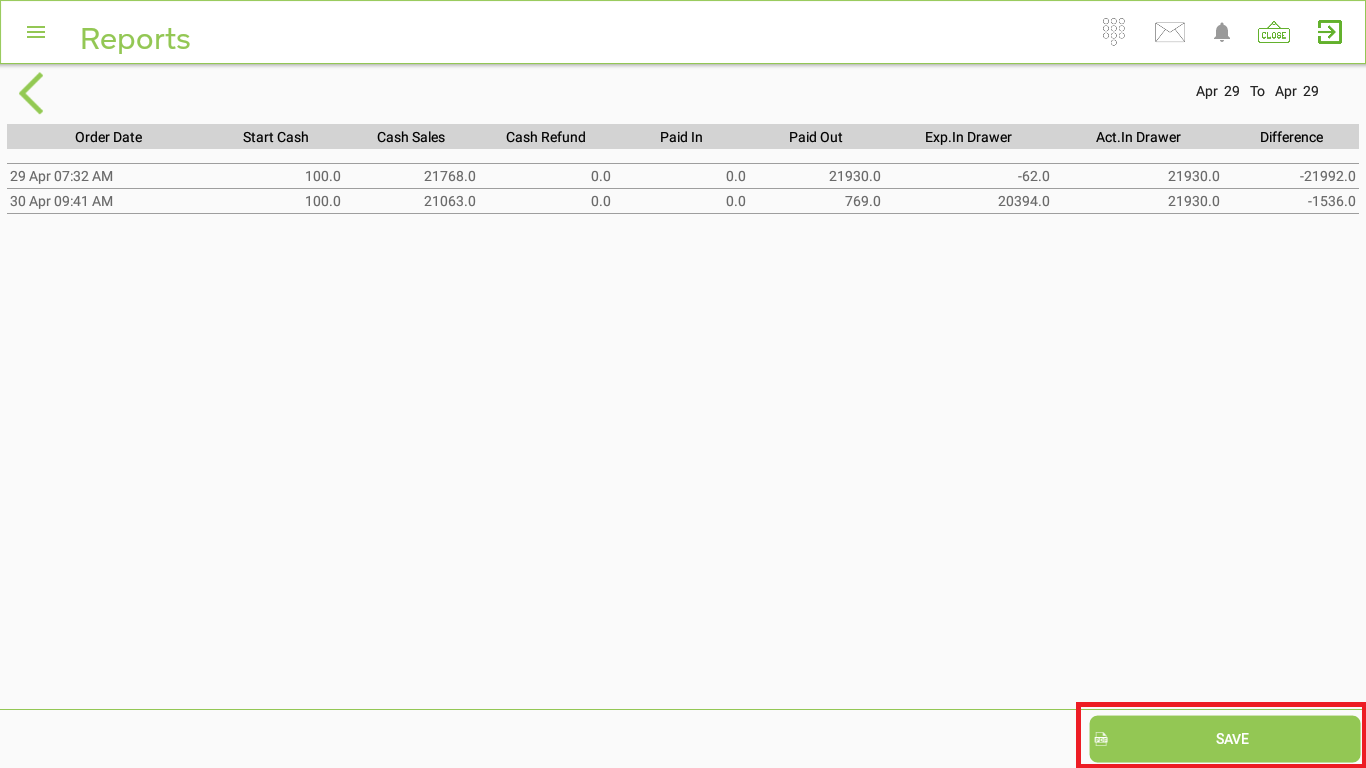
The report will be displayed on screen > if you click on ‘SAVE’ button report will be saved in pdf format